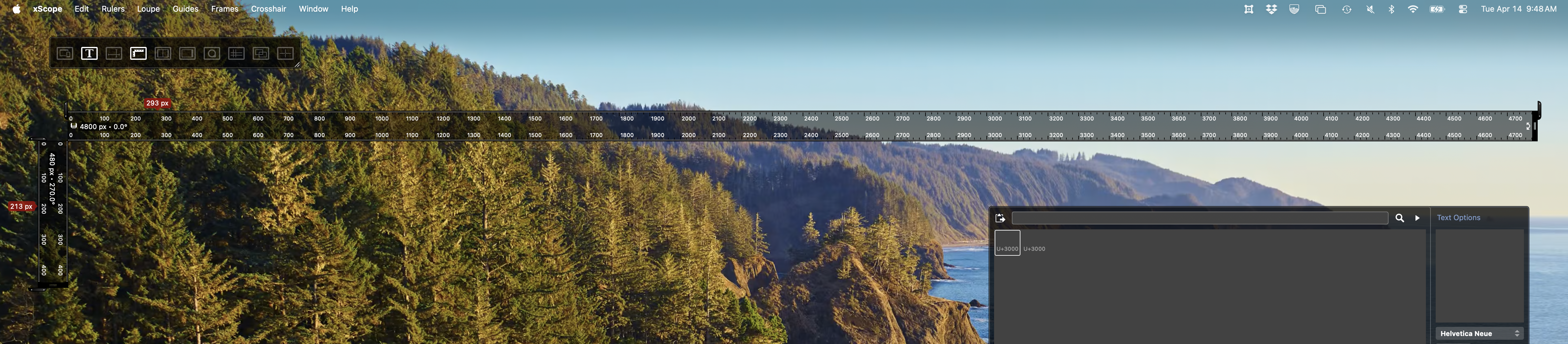
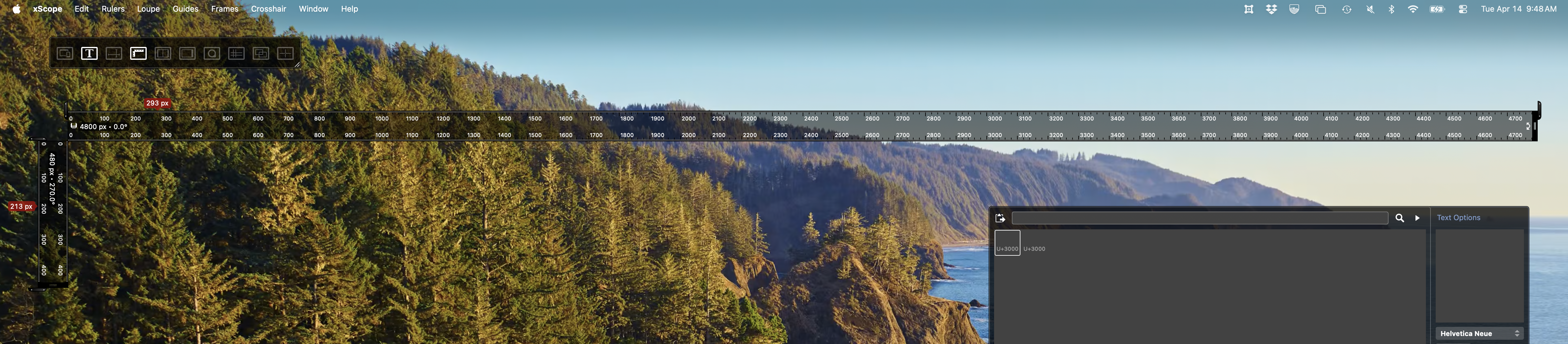
Why is xScope's Ruler tool is showing incorrect measurements?
There are multiple factors to considered here and some of them depend on if you are using a Retina display, multiple displays, screen pixels or points in your measurements.
Retina Display - xScope's Help Manual has an in-depth expiation of this issue.
Open xScope's in-app help by selecting Help > xScope Help. Then select "Using xScope on a Retina Display? Read our helpful guide" at the bottom of the help's home screen. There you can learn how the screen is scaled with different Display settings, how xScope shows the alignment of single pixels, issues with precise mouse movement, and how the tools handle multiple display resolutions.
A Mismatch of Unit Measurement
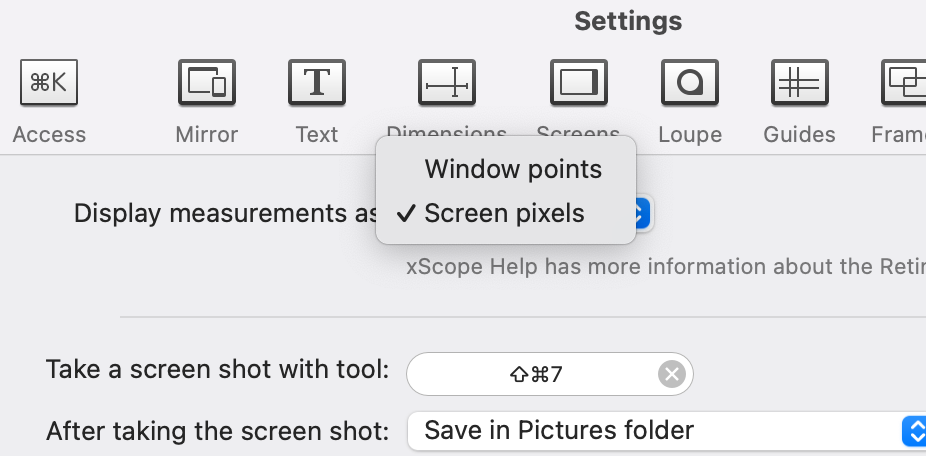
xScope's default unit of measure is set to pixels, but this may not be what you expect especially if your development environment is set to using window points.
You can open xScope's General settings and change from screen pixels to window points to see how they affect the various tools in xScope.
Ruler Limitations
The Ruler tool can't currently measure the entire width or height of 4K, 4.5K and 5K displays. This is a known limitation we hope to improve in a future update.