Mac Version Not Remembering Settings
Last updated: Dec 11, 2025
1122
views

If you find that Tapestry for macOS doesn't remember particular settings or preferences between launches like window position on screen, your selected timeline, the view's expanded or collapsed state and more, you most likely need to adjust a certain setting in macOS.
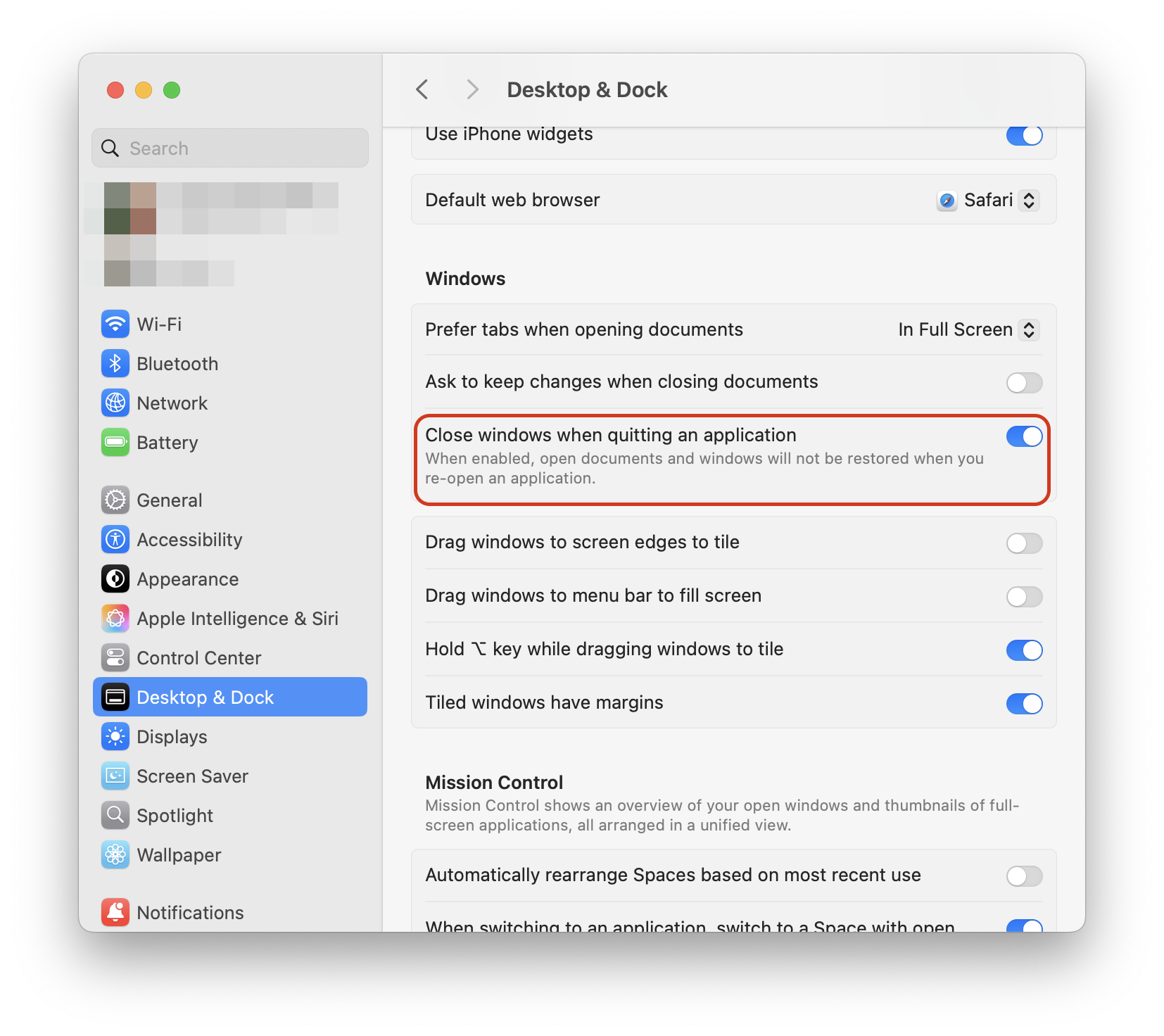
Head to Settings > Desktop & Dock and turn OFF Close windows when quitting applications.
This will allow Tapestry to restore all of the specific settings between launches and get you up and running as you should.