How to safeguard your Iconfactory Tapestry data

Jun 11, 2026
167

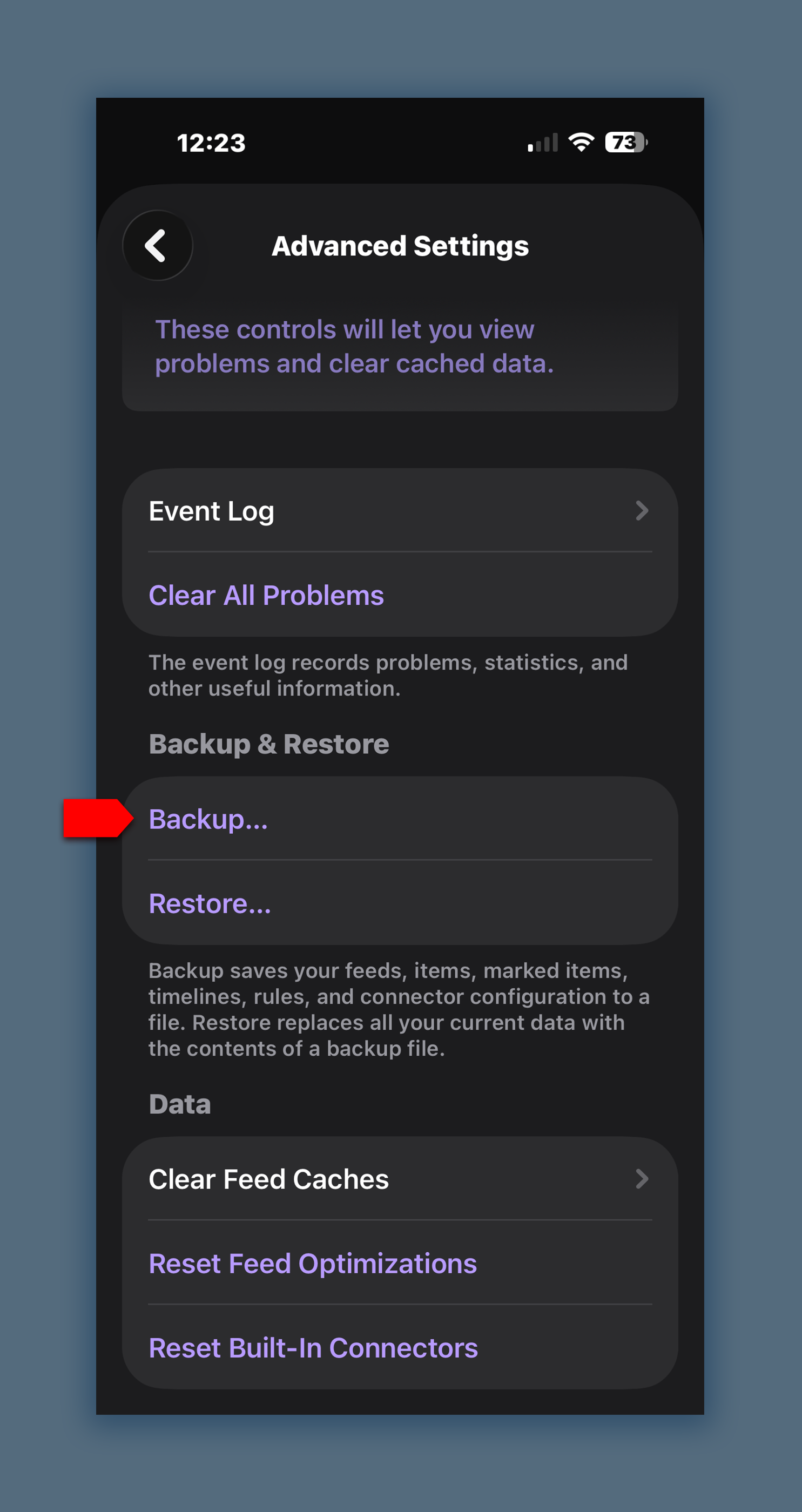
Tapestry 1.10+ supports the ability to backup and restore your timeline data.
The backup includes the following data when saved:
• Timeline items
• Marked items
• Mastodon and Bluesky feeds
• Custom Timelines
• Filter rules
• Connector preferences
To create a backup of all of this data, head to: Settings > Advanced Settings > Backup
One prompted, choose a location to store the resulting file for safekeeping such as the Files App, iCloud, Dropbox, etc.
Once saved, if for any reason you lose your Tapestry data, you can use the Restore function to replace all of the current data within the app with that contained in the backup file.